What it can do
- Lyrics in any genre: pop, rap, rock, country
- A birthday or wedding song with names
- Rhymes and better lines for weak ones
- Guitar chords and a style description for music apps
How to do it
- Open the free chat: no sign-up, no key.
- Describe the song: what it is about, the genre, the mood, names and details.
- For stronger models such as Claude, sign in with a key. Keys are sold on FunPay.
Ready prompts
Copy a prompt or click “Ask for free”.
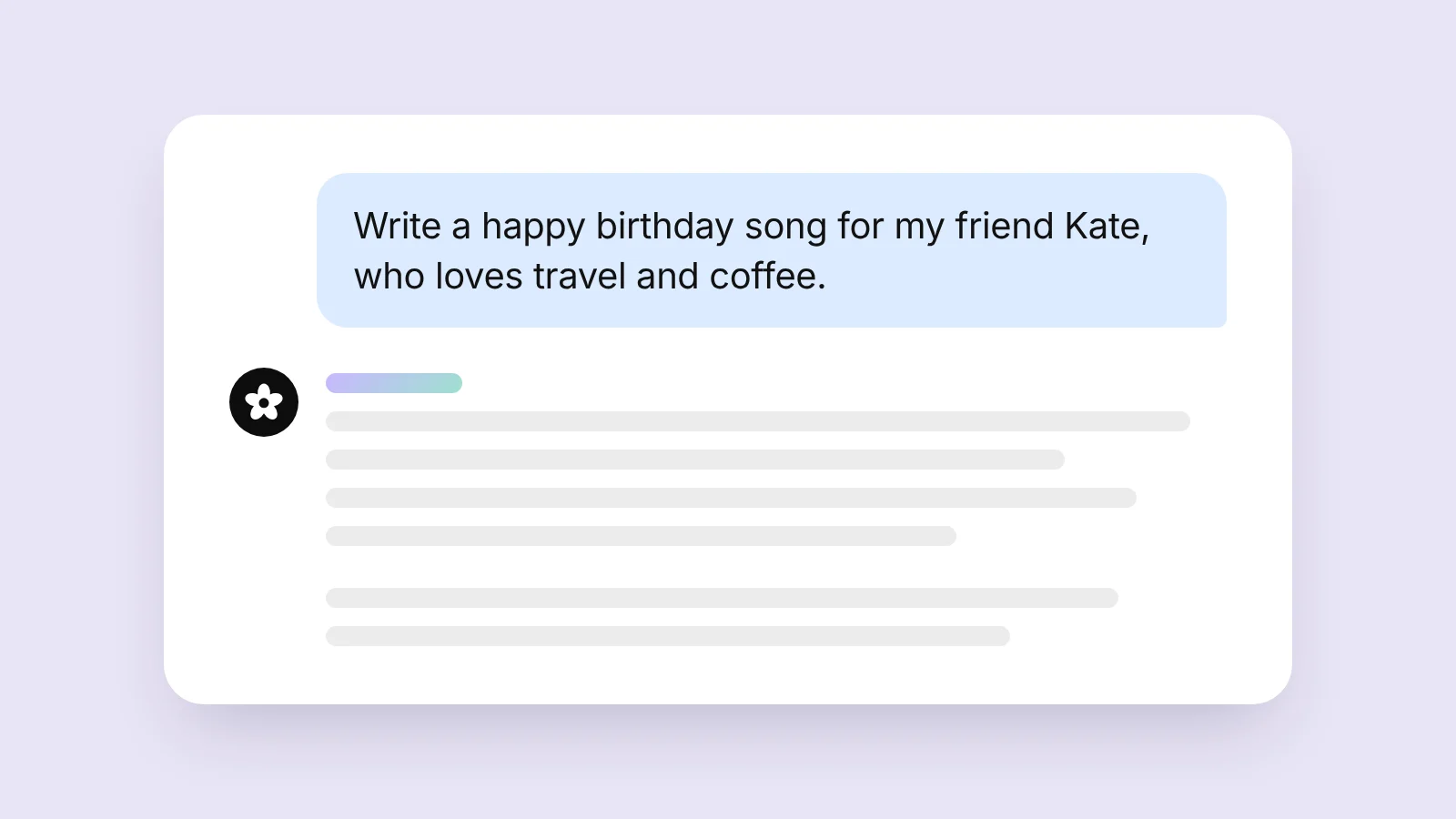
“Write a happy birthday song for my friend Kate, who loves travel and coffee. Two verses and a chorus.”
Ask for free
“Write a 16-bar rap verse about moving to a big city. No cliché rhymes.”
Ask for free
“Pick simple guitar chords for these lyrics and give the strumming pattern: [paste the lyrics]”
Tips
- Name the genre, the mood and a few real details to make it personal.
- Ask to mark the stressed syllables if someone will sing it.
- Do not like a line? Say which one to replace and why.
Good to know
Freepay writes lyrics, rhymes and chords but does not make music or vocals: you will not get an audio file. Play the melody from the chords or paste the lyrics into a separate music app.
Frequently asked questions
Will the AI sing the song?
No. On Freepay the AI writes lyrics and chords; there is no music or voice recording here.
Is it free?
Yes, you can ask for lyrics in the free chat with no sign-up.
Do I need to install anything?
No. Freepay works in the browser on a phone or a computer.
Other tools
- Online background remover
- AI image enhancer online
- AI object remover
- AI image editor: edit photos with words
- AI face swap for images
- AI passport photo maker
- AI watermark remover for your photos
- AI age filter: see yourself at 70
- Anime to real life with AI
- Anime AI art generator
- Cute wallpaper generator
- AI packaging design generator
- AI storyboard generator
- AI cat dance video generator