What it can do
- Your cat dancing on its hind legs
- A clip for stories, reels or a greeting
- Vertical 9:16 for a phone or 16:9
- Any pet: a dog, a hamster, a parrot
How to do it
- Buy a key on FunPay; it arrives right away. Click “Sign in with key”.
- Attach a photo with “+” or describe the scene in words and ask for a video.
- A 4 to 10 second clip is ready in a couple of minutes. It appears in the chat and in the Library, where you can download it.
Ready prompts
Copy a prompt into the chat and replace the details with your own.
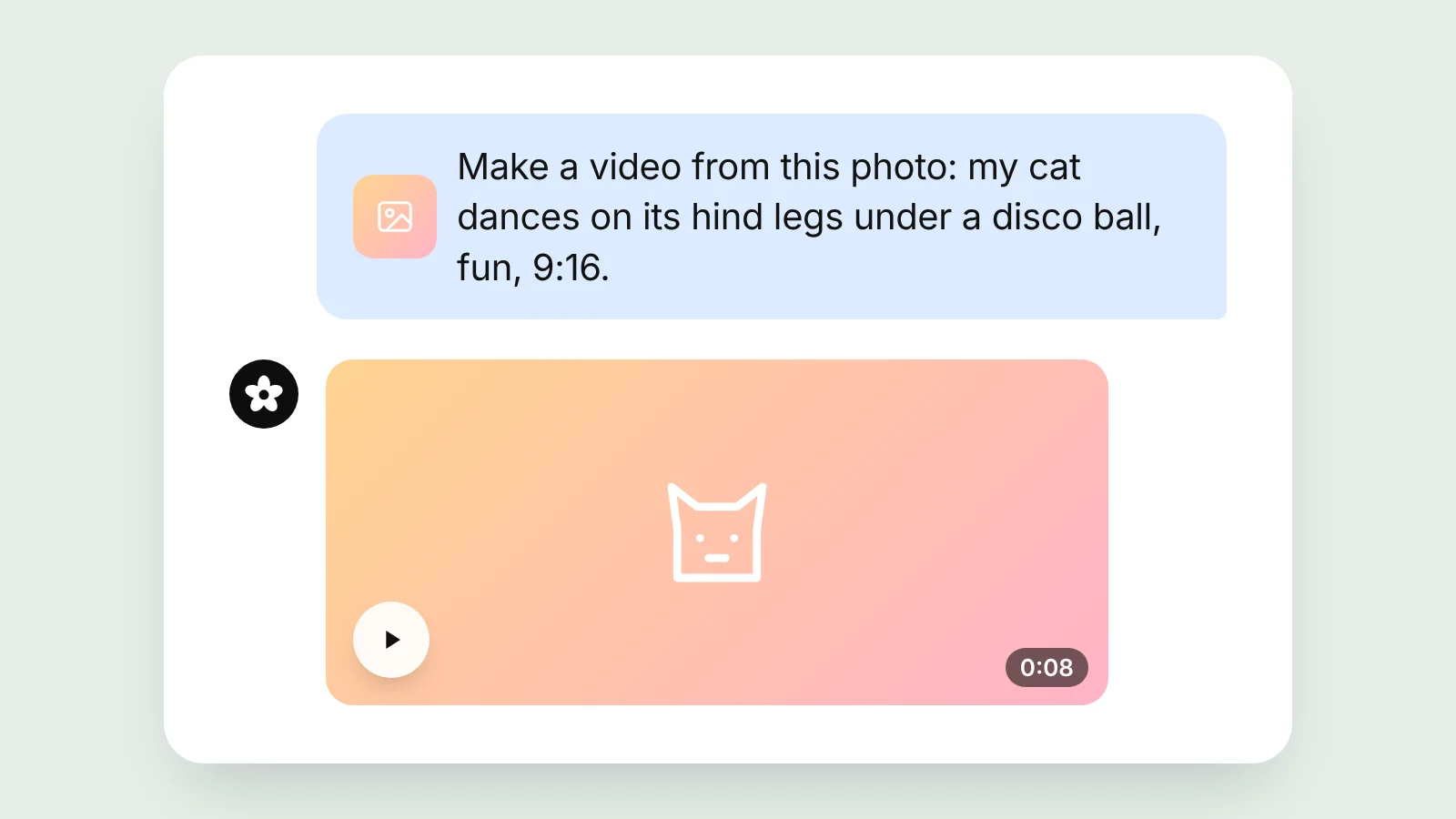
“Make a video from this photo: my cat dances on its hind legs under a disco ball, fun, 9:16.”
“Let the cat nod its head and wave a paw to the beat, same background.”
“Draw a ginger cat in sunglasses dancing on a beach, short video.”
Tips
- Pick a photo where the whole cat is visible and looks at the camera.
- Describe one simple move: a short clip handles it better.
- Add music in the stories or reels editor: it is easier to change there.
Good to know
A clip is 4 to 10 seconds long and takes a couple of minutes. Moves sometimes come out odd; then try again or ask for a simpler move. A video costs more than a picture.
Frequently asked questions
How long is the video?
From 4 to 10 seconds, which is usually enough for stories and reels.
Is there music?
Some models add sound, but it is more reliable to add your own music in the app where you post.
Is it free?
Videos are made in the Freepay chat with a key and paid from its balance. The free chat without a key answers in text only.
Do I need to install anything?
No. Freepay works in the browser on a phone or a computer.
Where do I find the video?
Under the answer in the chat and in the Library of your account, where you can download it.
Other tools
- Online background remover
- AI image enhancer online
- AI object remover
- AI image editor: edit photos with words
- AI face swap for images
- AI passport photo maker
- AI watermark remover for your photos
- AI age filter: see yourself at 70
- Anime to real life with AI
- Anime AI art generator
- Cute wallpaper generator
- AI packaging design generator
- AI storyboard generator
- AI song generator: lyrics, rhymes and chords